The Challenge
In this project, I set out to simulate a real-world privilege escalation path in Azure using nothing more than group nesting and RBAC misconfiguration. My goal was to prove that a mid-tier user (manager) could access sensitive blob data without ever being granted direct access.
Lab Environment Setup
| Component | Details |
| Azure Tenant | Free-tier Azure AD tenant |
| Users | manager (Target user) |
| Groups | MidLevelGroup, tempAdminGroup, StorageAccessGroup |
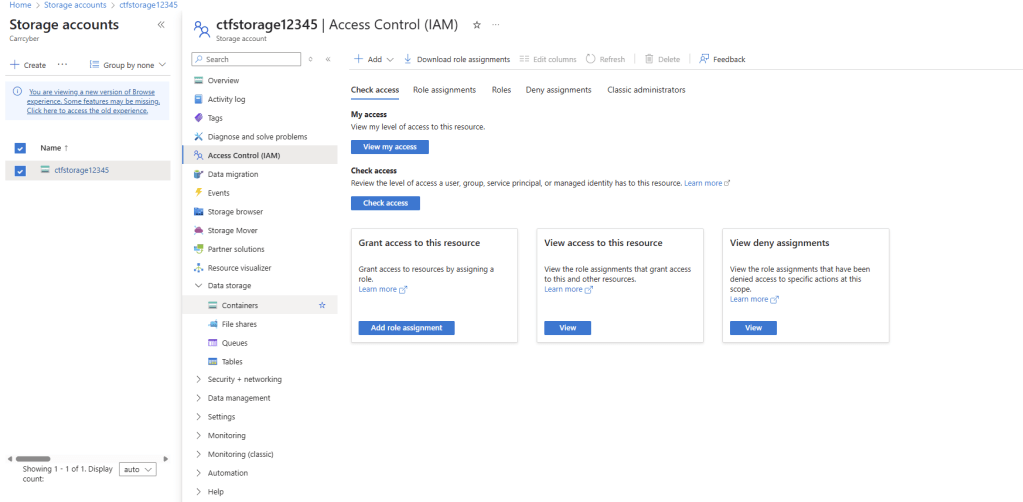
| Resource | Azure Storage Account (ctfstorage12345) |
| Container | Private blob container (ctf-container) |
| File | flag.txt (sensitive data marker) |

Group Nesting Trap
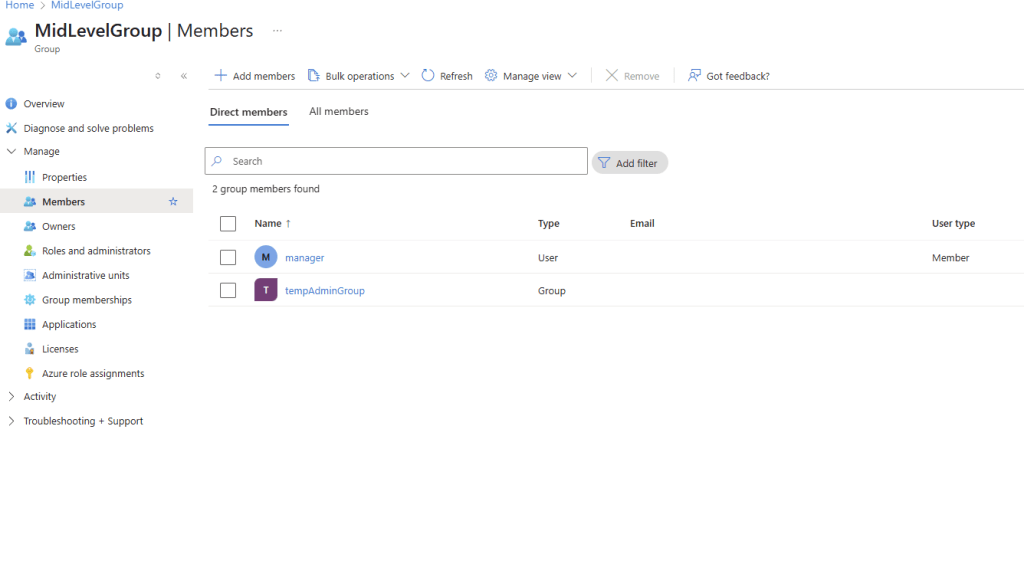
The manager user was only a member of the MidLevelGroup. However, through nested groups, this membership eventually lead to Storage Blob Data Contributor access.
Here is the Group Structure:
manager
└── MidLevelGroup
└── tempAdminGroup
└── StorageAccessGroup (assigned to Storage Blob Data Contributor role)
This group structure mirrors real enterprise IAM drift, where access is granted through layers of nested groups, sometimes without direct oversight.
Attack Simulation
I created a private Azure blob container with a sensitive file (flag.txt) and attempted to access it using the manager account:
Access attempts:
- ❌ Azure Portal – “Access Denied”
- ❌ Browser URL – “Public access not permitted”
- ✅ Azure CLI – Eventually Succeeded
CLI Access Test
After waiting fo Azure to propagate token claims (approx 1hr), I ran this command:
az storage blob list \
–account-name ctfstorage12345 \
–container-name ctf-container \
–auth-mode login \
–output table
Result: Flag.txt was listed in the terminal, Proving manager had successfully inherited access without ever being directly assigned any role.
Even with proper group nesting and role assignment, Azure RBAC propagation lag can cause invisible permission mismatch, which highlights how slow privilege changes can expose security blind spots.
Detection & Remediation
How to detect this in the real world:
- Audit nested group memberships regularly
- Use Azure AD group membership reports
- Monitor storage access via diagnostic settings
- Run RBAC effective access checks with az role assignment list
Remediation actions:
- Flatten excessive group nesting
- Apply least privilege access at the role assignment level
- Use Conditional Access to limit inherited permissions
What I Learned
- IAM is not just about assigning roles, its about understanding how roles flow through identity structures
- Group nesting can create blind spots in even well managed cloud environments
- Azure’s propagation delays can open windows of unexpected access


 Shaun Carrillo's Cybersecurity Portfolio
Leave a comment