
Overview
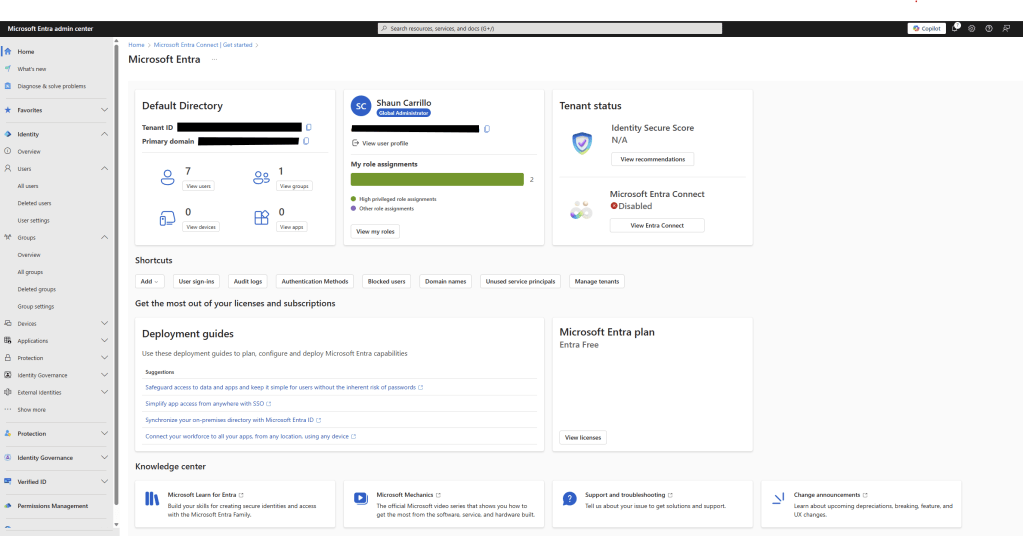
In this lab, I built a sandbox Microsoft Entra ID environment and intentionally misconfigured it to simulate real world IAM security risks. I then audited the environment, identified 5 critical issues and applied best-practice remediations.
Lab Environment Setup
Platform: https://entra.microsoft.com
Tenant: Azure Free Tier
Users Created:
- admin.shaun – Global Admin
- intern.kevin – Intern
- hr.jane – HR
- sales.kyle – Sales
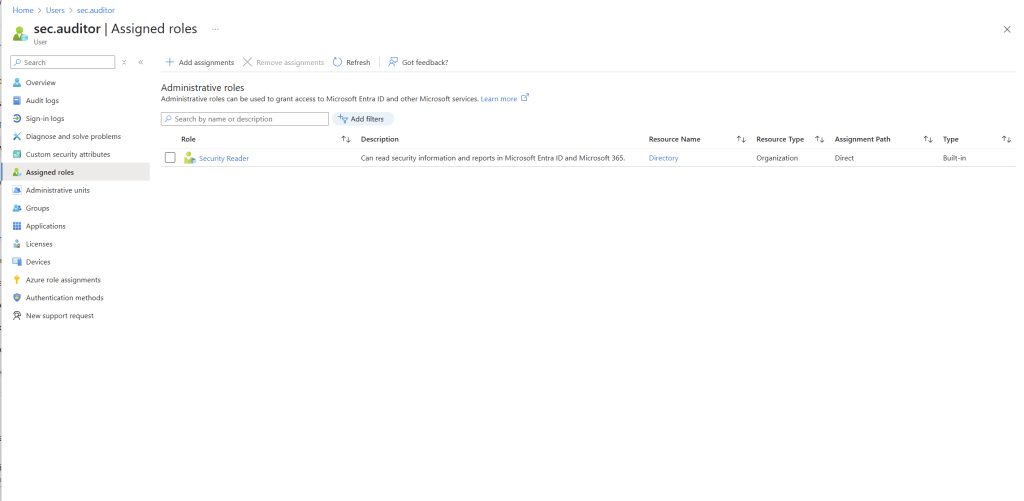
- sec.auditor – Security Auditor
- contractor.bob – External/Orphaned account
Misconfiguration #1: Intern with Global Admin Access
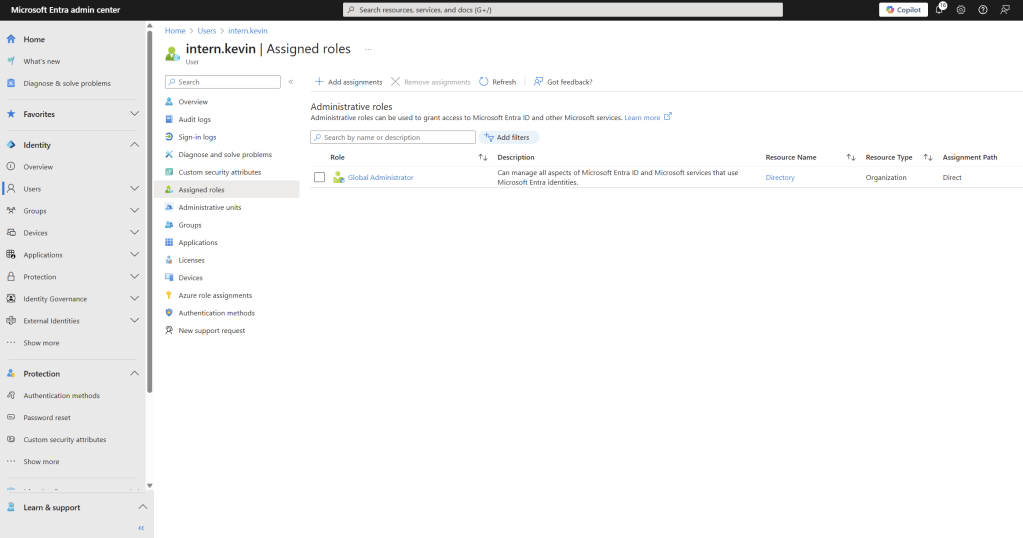
intern.kevin was assigned the Global Administrator role, the highest privilege role in Entra ID.
This is a problem for obvious reasons, an intern should never have unrestricted access to identity, application and policy configuration. This would violate least privilege and create a massive risk vector.
Remediation:
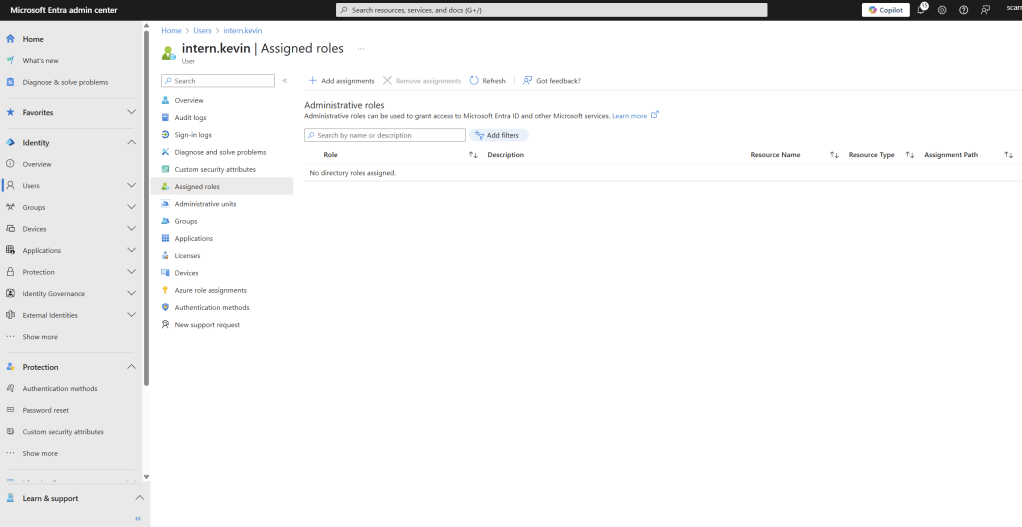
- Removed Global Admin role
- Assigned no role
- Documented justification for role changes
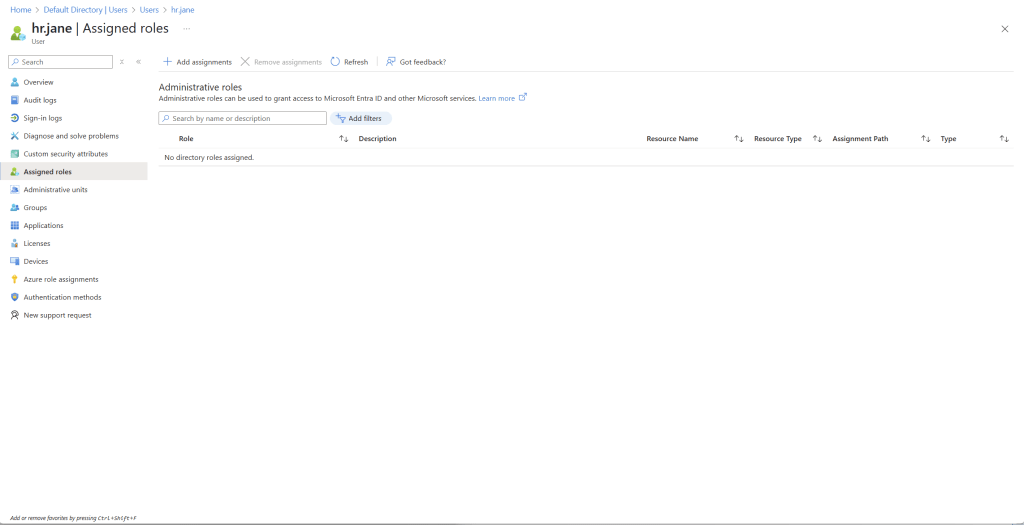
Misconfiguration #2: HR Staff Assigned App Administrator Role
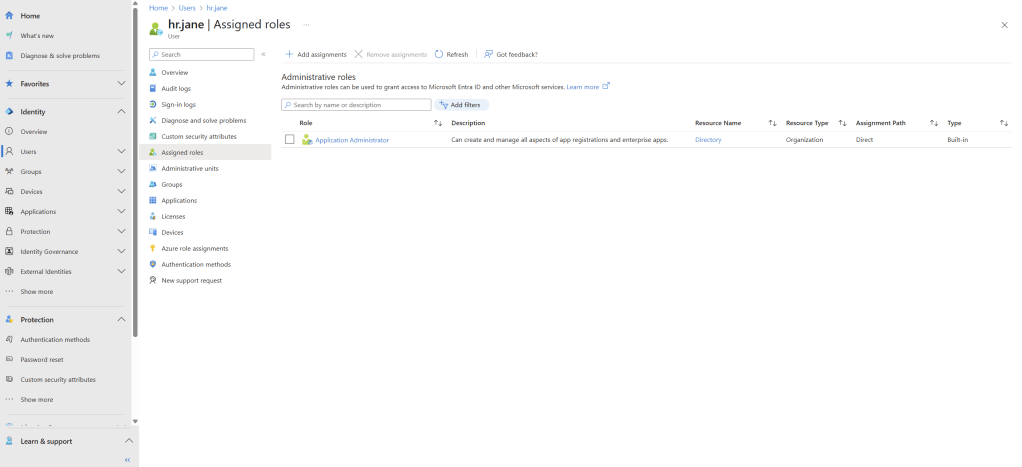
hr.jane was given the Application Administrator role. Allowing her to register, manage and delete enterprise apps.
This is an issue because it enables an HR user to install or misconfigure OAuth-integrated apps or expose sensitive APIs without security oversight.
Remediation:
- Removed Application Admin role
- Assigned no role (default user permissions only)
Role Review: hr.jane
Job Title: HR Representative
Risk Level: Medium. Could lead to backdoor data access or third-party integration abuse.
Why It’s a problem: Allows full app registration and management rights, which there is no technical justification, HR staff do not manage enterprise apps.
Recommendation: Remove direct Application Administrator role. Scoped future app access through group-based permissions.
Status: Remediated
Misconfiguration #3: No MFA Configured for Global Admin
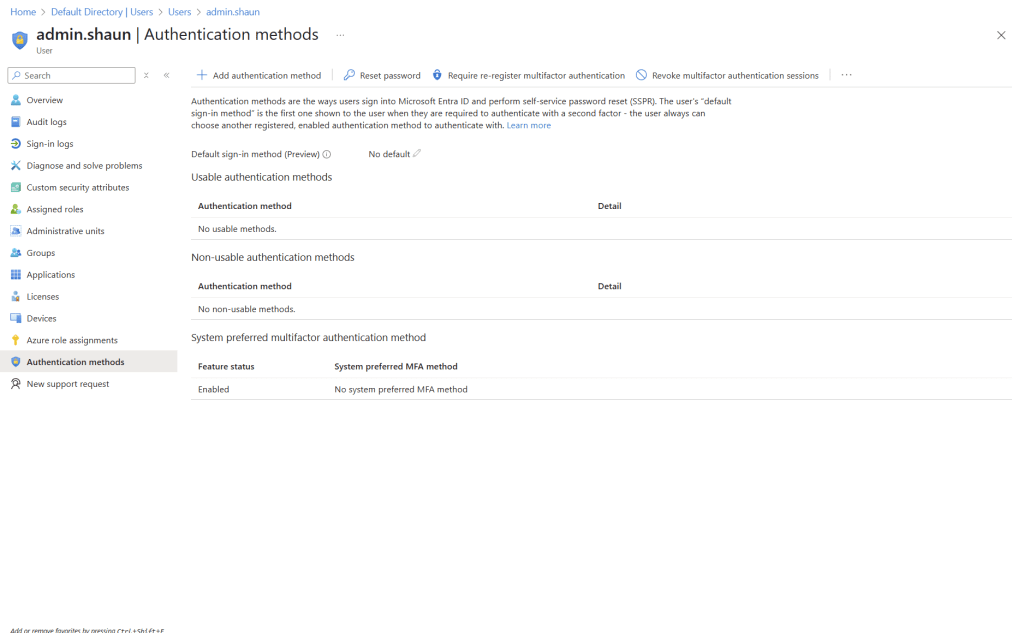
admin.shaun had no Multifactor Authentication (MFA) methods enabled, and no Conditional Access enforcing MFA.
This is a problem because a privileged account with no MFA is a top-tier risk for credential theft and lateral movement.
Remediation:
- Enabled Authenticator App on admin.shaun
- Created Conditional access policy: Enforce MFA for all users
Misconfiguration #4: Overprivileged User Roles Across Department
Users across multiple departments were granted broad roles:
- hr.jane -> Application Admin
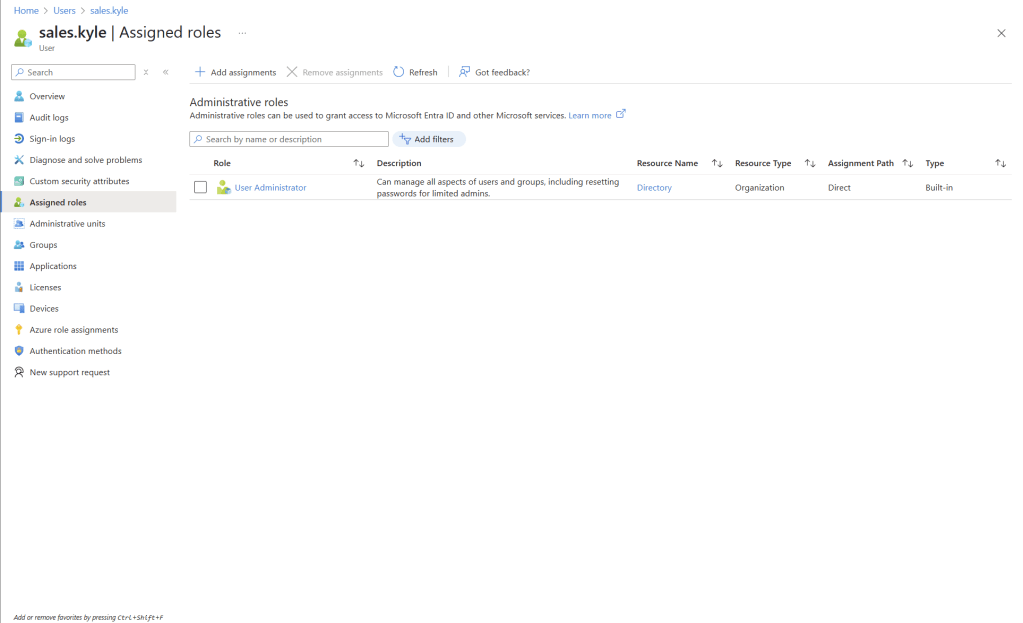
- sales.kyle -> User Admin
This is a problem because unscoped privileges introduce lateral attack potential. If one user is compromised, the attacker gains high-value access to apps, users, or cloud policies
Role Review: sales.kyle
Job Title: Sales Representative
Risk Level: Medium
Why It’s a problem: Allows password reset, user creation and group management, which Kyle doesn’t need.
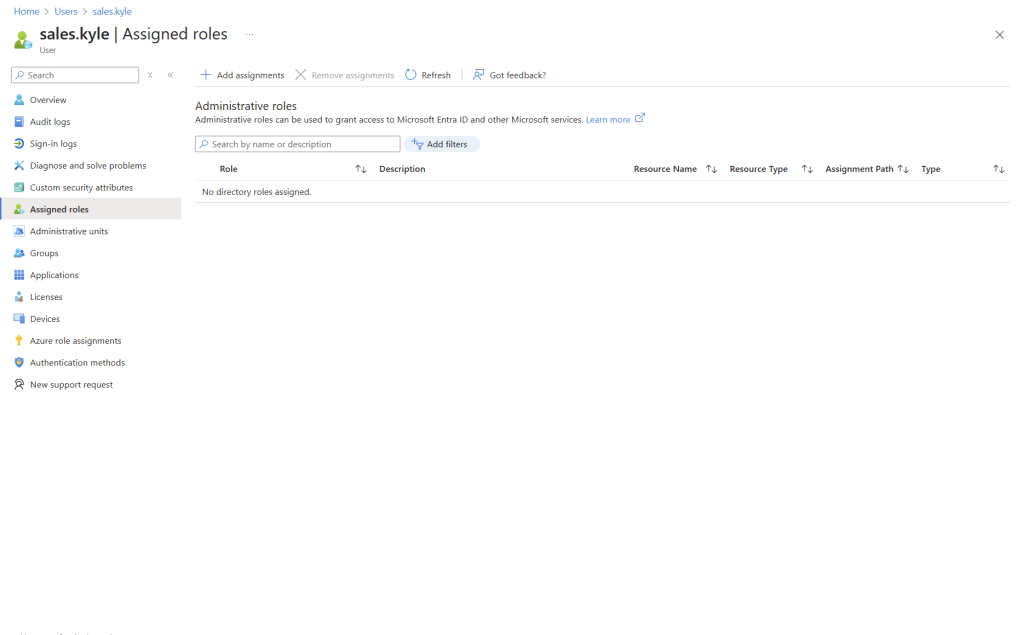
Recommendation: Remove direct role. assign only scoped access via group-based policies if needed.
Status: Remediated
Misconfiguration #5: Orphaned Account with Security Role
contractor.bob was assigned Security Reader role but was not assigned to any group, monitored project, or team.
This is a problem because its a case of access without ownership. It’s a ghost account that could be hijacked without anyone noticing.
Remediation:
- Flagged the account as orphaned
- Disabled sign-in and issued access review
- Create onboarding/offboarding checklist
| Misconfiguration | Risk Level | Resolution |
| Intern w/ Global Admin | Critical | Role Revoked |
| HR with App Admin | High | Role removed, policy created |
| No MFA on Admin | Critical | MFA enforced via Conditional Access |
| Overprivileged Users | Medium | Scoped roles applied |
| Orphaned Contractor | Medium | Disabled |
Final Thoughts
This lab gave me real-world experience simulating identity-based risk, performing access audits, and applying security best practices in Entra ID.
Tools Used:
- Microsoft Entra Portal
- Azure Role Management
- Conditional Access
- Authentication Methods Console




Leave a Reply